
Files and app data
Documents, Desktop, photos, mail, messages, contacts, supported app data and any custom folder.
 ElseKept
Your next Mac should not start from zero.
Protect personal files, credentials and developer setup in storage you control. Recover one file or prepare a new Mac without restoring everything.
Perpetual personal license
One purchase covers three personal Macs and every 1.x update. The app has no account, activation tracking, subscription or telemetry.
Recovery remains available without a valid license.See the workflow
A short, silent tour of the real native Mac app. No account setup and no hidden web dashboard.
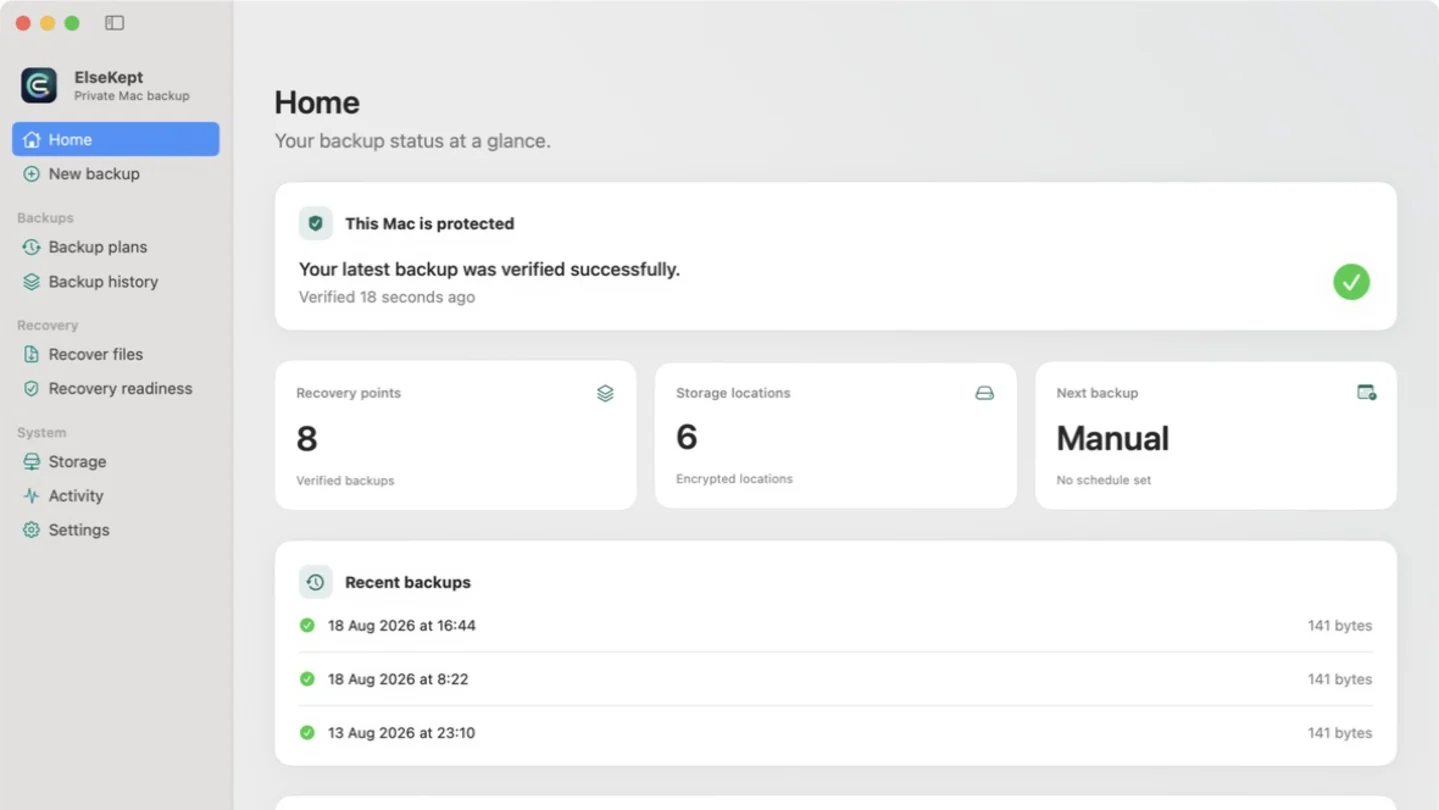
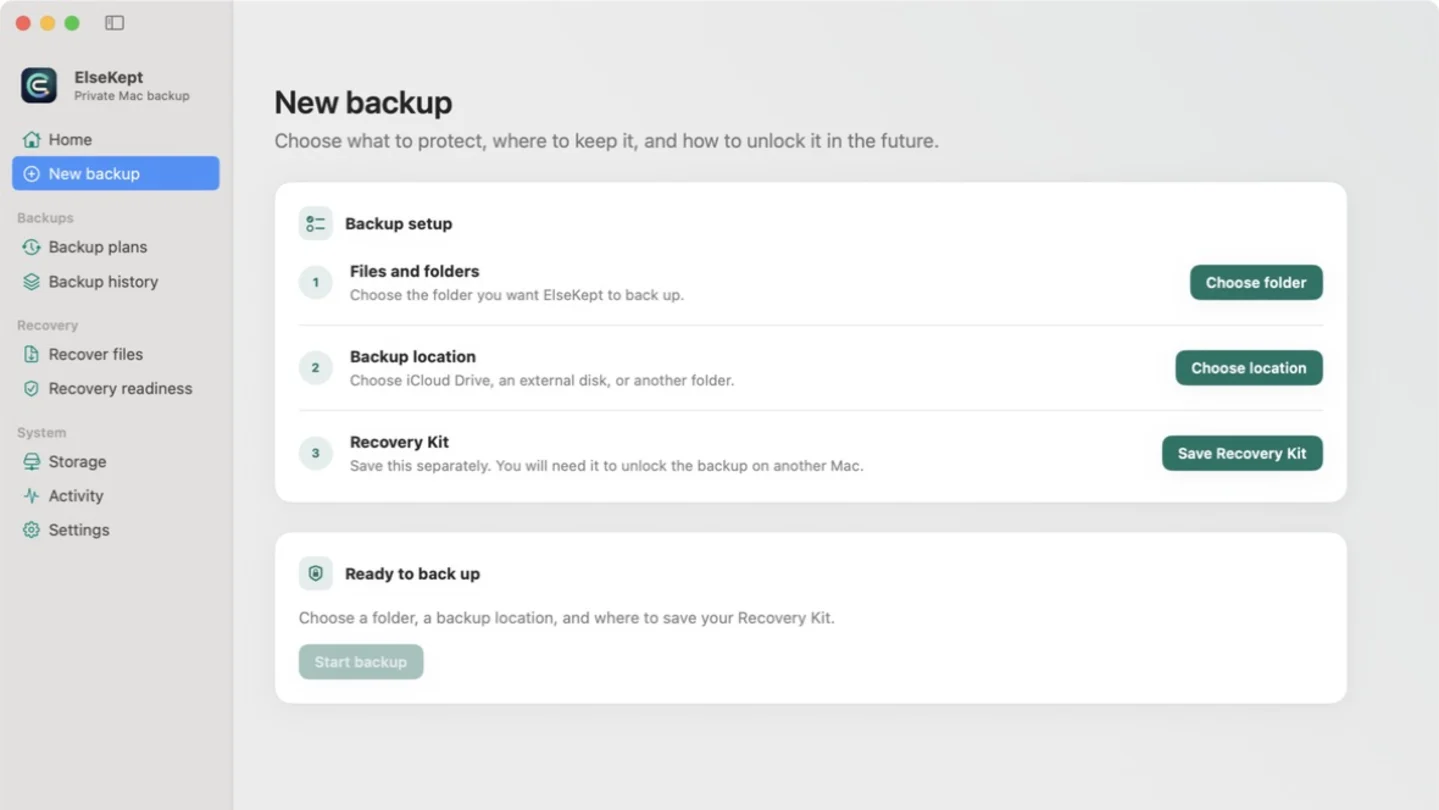
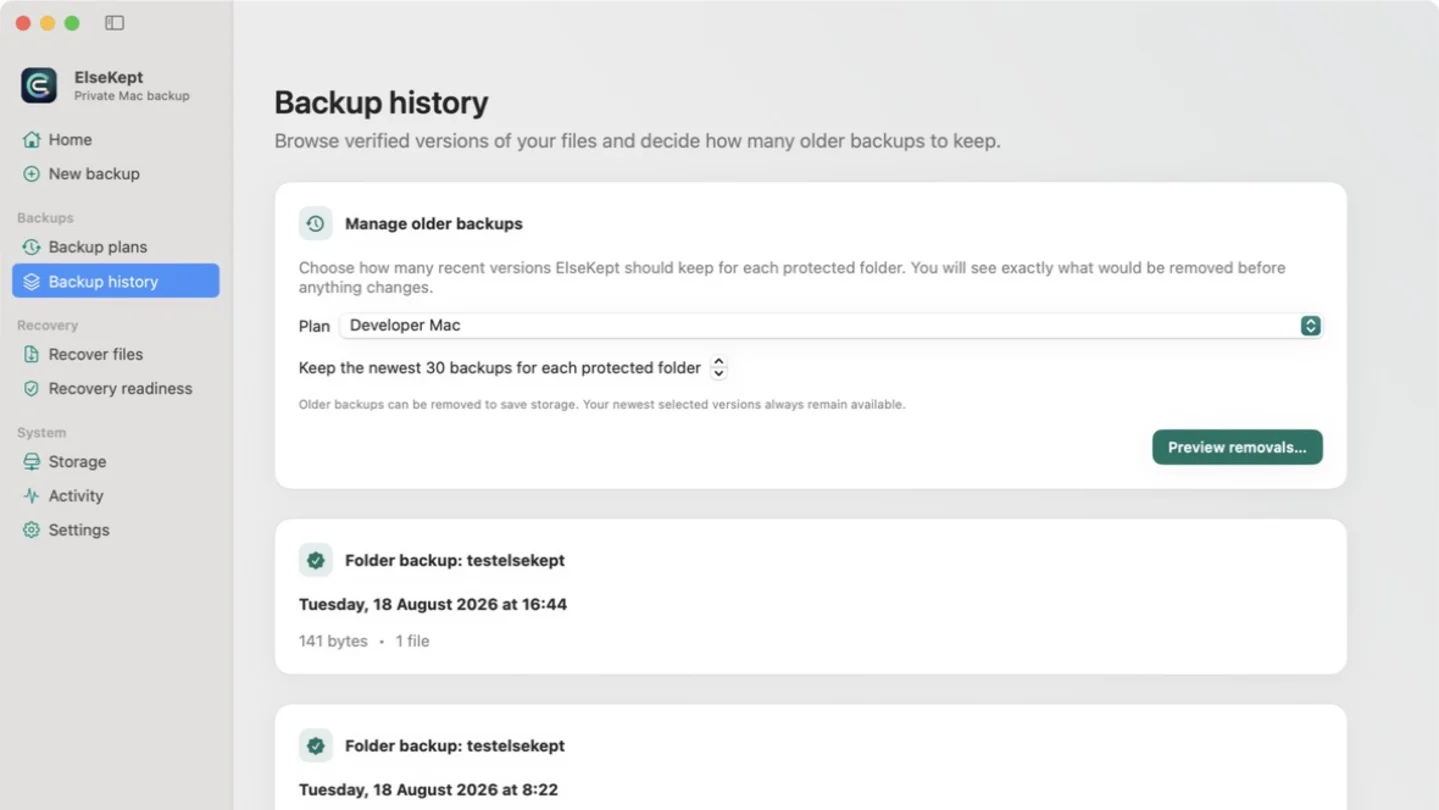
Mac backup to iCloud
ElseKept creates verified recovery points inside a folder you choose. iCloud transfers encrypted objects; the separate Recovery Kit keeps recovery authority with you.
Use storage already connected to your Apple devices, then confirm the encrypted copy is downloaded on another device.
Learn how Mac backup to iCloud worksChoose what matters
Start focused, or use curated plans that explain what they include and which sensitive items require review.
Documents, Desktop, photos, mail, messages, contacts, supported app data and any custom folder.
Protect supported SSH and GPG material, Git and shell configuration, developer folders and tool state.
Keep Keychain databases as encrypted evidence, review private keys before placement and re-enroll device-bound credentials.
Selective recovery
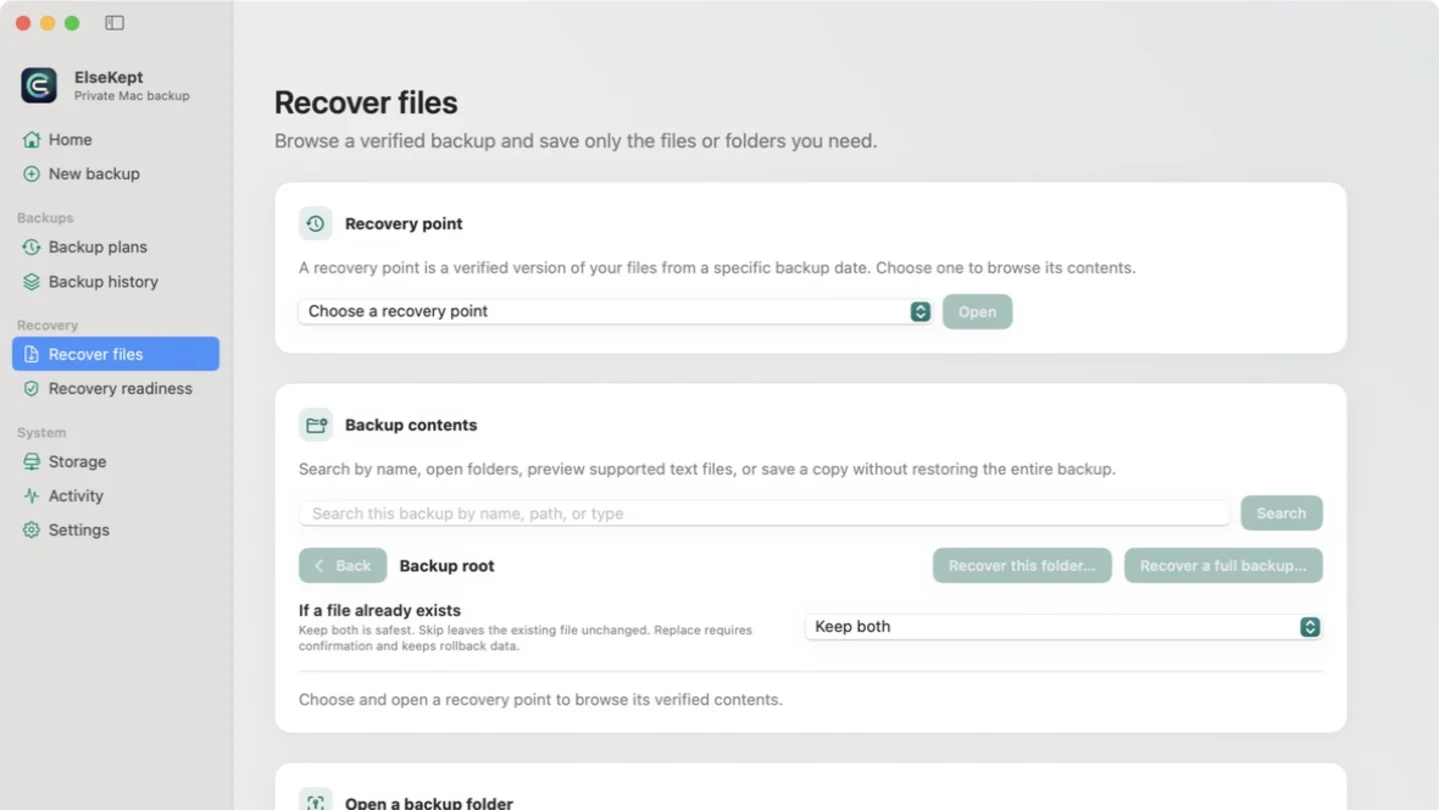
Browse authenticated recovery points, search names and paths, compare versions and preview supported text. Recover one file, one folder or plan a broader new-Mac recovery.
Automatic, but visible
The menu-bar app keeps schedules running after the main window closes.
See the active phase, pause future work and cancel without presenting partial data as success.
Run structural and deeper checks, plus a safe extraction drill for real recovery evidence.
A layered strategy
Keep Time Machine for convenient local history. Use ElseKept for encrypted repositories, off-device copies, a portable Recovery Kit and selective recovery from storage you control.
Storage choices
Provider roles are explicit so a successful upload is never confused with a complete live repository.
Select a folder directly. No separate ElseKept OAuth registration is required.
Uses Google’s private app-data scope and cannot browse ordinary Drive files.
Stays inside one dedicated App Folder, cannot browse unrelated Dropbox content and uses Dropbox’s public native-app authorization flow.
Quick answers
iCloud Drive mainly synchronizes current files. ElseKept adds encrypted recovery points, verification and selective restore.
Yes. Browse or search a recovery point and choose only the file or folder you need.
No. Reinstall macOS and apps first, then recover supported data and configuration.